

Specifying a BIM deliverable often comes down to a format question nobody quite explains clearly: do you need a Revit model or an IFC model? The two aren’t competitors exactly — they solve different problems — but choosing the wrong one for your project’s workflow can mean paying for a deliverable your team can’t actually use the way they need to.
For architects, developers and main contractors across Hertfordshire, Essex, East Anglia and Cambridgeshire specifying a BIM deliverable, here’s the difference and how to decide which one your project needs.
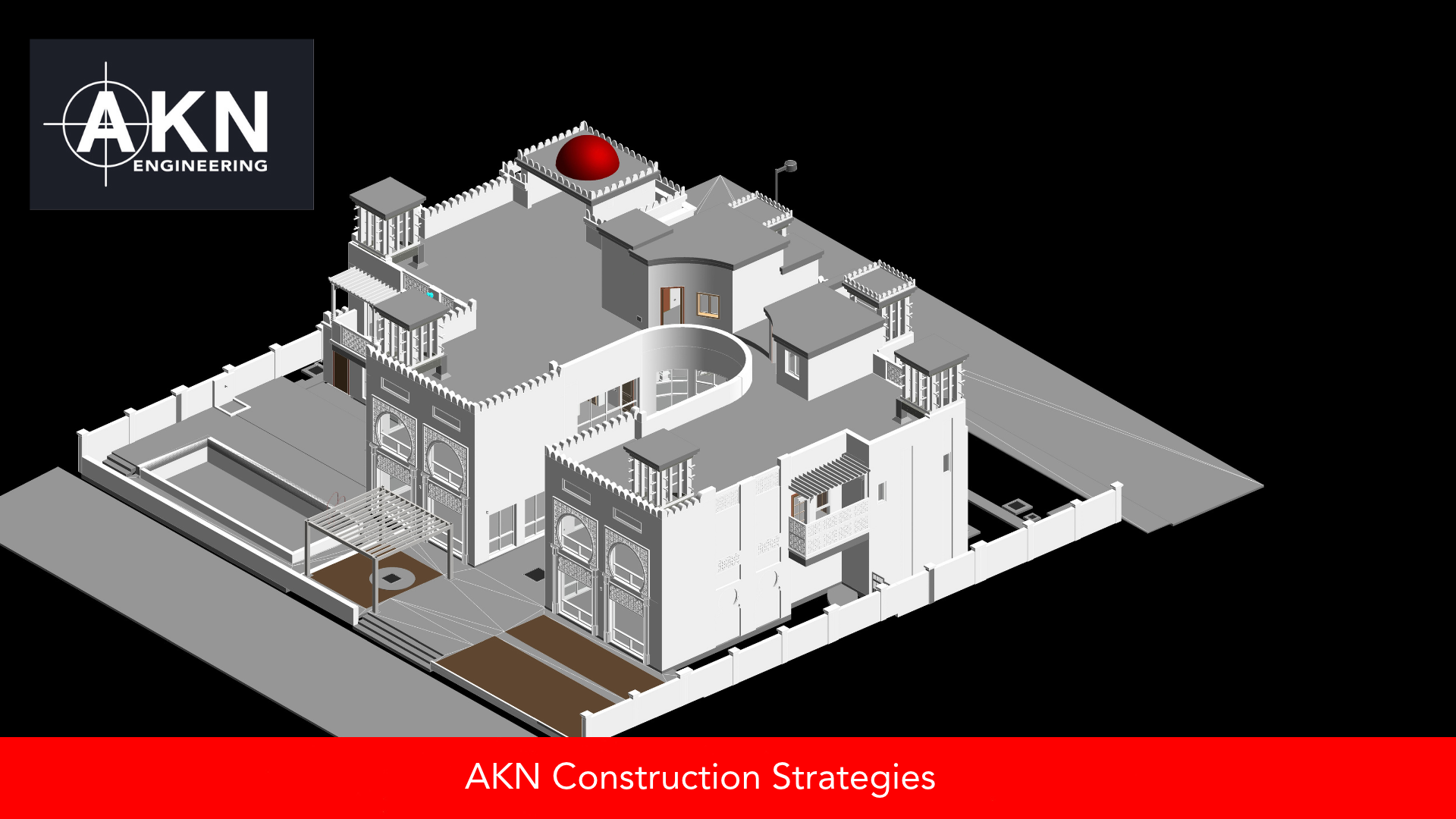
A finished BIM model of an existing building, ready to be delivered as a native Revit file or an open IFC file depending on what your project team needs.
What a Revit model is
Revit is Autodesk’s native BIM authoring software, and a Revit model (.rvt file) is a fully editable, software-native file that retains every intelligent BIM element, family, parameter and relationship the software supports. If your design team works in Revit, a native Revit model gives them the most complete, editable version of the data — everything Revit can do with a model, they can do with this one.
What an IFC model is
IFC (Industry Foundation Classes) is an open, software-neutral file format designed specifically so BIM data can move between different software platforms without being locked into one vendor’s ecosystem. An IFC model carries geometry and a standardised set of data properties that most major BIM software — Revit, ArchiCAD, Tekla, and others — can open and interpret, though not always with full editing capability for every element type native to the originating software.
Why the distinction matters commercially
If your entire project team works in Revit, requesting a native Revit model gives them full editing capability with nothing lost in translation. If your project team is mixed — architects in Revit, structural engineers in Tekla, contractors using a different platform again — IFC is often the more practical shared format, because everyone can open and reference it regardless of what software they use day to day, even if some editing capability is reduced compared to the native format.
Can you have both?
In most cases, yes. A model built natively in Revit can be exported to IFC for teams on other platforms, though it’s worth being aware that exporting to IFC can lose some Revit-specific intelligence (certain parameters, family behaviours) that doesn’t have a direct IFC equivalent. For projects with a mixed software environment, specifying both a native Revit model for the primary design team and an IFC export for wider distribution is a common and sensible approach.
What to specify when you commission a BIM deliverable
Rather than defaulting to whichever format is more familiar, it’s worth confirming what software every party on the project actually uses, whether full editing capability is needed by every recipient or just the primary design team, and whether the model needs to move between multiple platforms over the life of the project. Answering these upfront avoids commissioning a deliverable that half your project team can’t properly use.
Working with AKN Engineering
AKN Engineering delivers both native Revit models and IFC models — from 3D scans, CAD conversion or new modelling work — for architects, developers and main contractors across Hertfordshire, Essex, East Anglia and Cambridgeshire, helping you specify the right format, or combination of formats, for your project’s actual software environment.
If you’re specifying a BIM deliverable and aren’t sure whether you need Revit, IFC, or both, speak to AKN Engineering on 01279 927 033 or visit www.aknengineering.co.uk.